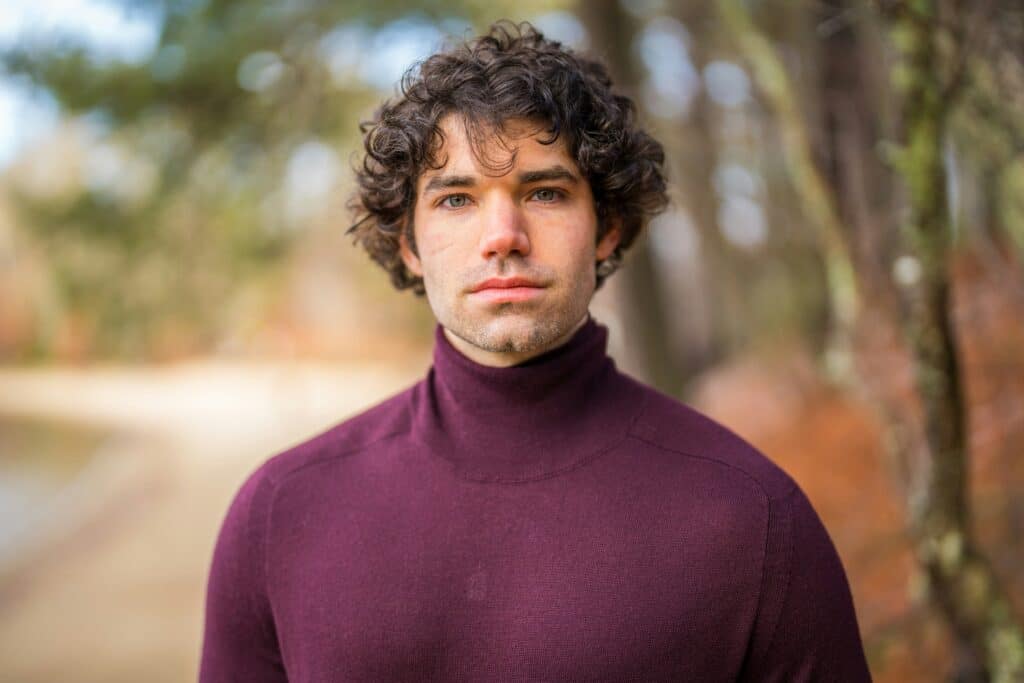
In today’s fast-paced digital world, your LinkedIn profile is often the first impression you make on potential employers, clients, or collaborators. A professional-looking photo is not just a nice-to-have—it’s essential. But not everyone has access to professional photographers or the time to stage the perfect shot. This is where an AI LinkedIn photo comes into play. By using artificial intelligence tools, you can create a polished, professional image that makes your profile shine. In this guide, we’ll walk you through everything you need to know about making an AI LinkedIn photo that elevates your professional presence.
Why an AI LinkedIn photo?
Your LinkedIn photo is more than just a picture—it’s a part of your personal brand. Research shows that profiles with professional photos receive more profile views and messages. A poorly taken or casual photo can undermine your credibility, while a well-crafted AI LinkedIn photo can:
- Reflect professionalism and approachability
- Help you stand out in a crowded job market
- Create a consistent and modern personal brand across platforms
AI technology allows you to create a photo that is high-quality, well-lit, and perfectly framed, even if you’re not a photography expert.
How AI tools create LinkedIn-ready photos
Artificial intelligence has transformed the way we approach profile pictures. AI photo generators analyze your facial features, lighting, and even style preferences to produce a polished, professional image. Most AI platforms let you:
- Upload a casual photo and enhance it into a professional-looking headshot
- Choose background styles, lighting, and attire that suit LinkedIn standards
- Apply subtle retouching that looks natural and authentic
With AI, you no longer need expensive equipment or a photography studio. The tools handle the technical aspects, allowing you to focus on the professional impression you want to make.
Step 1: Choose the right AI tool
The first step in creating an AI LinkedIn photo is selecting a reliable platform. There are many AI photo generators available online, but quality varies. Look for tools that offer:
- High-resolution outputs
- Customizable professional styles
- Safe and secure data handling
Some popular AI photo generators are Remini, Fotor, and ProfilePic AI, each offering features tailored to professional headshots. Be sure to review user feedback and examples to ensure the results match your expectations.
Step 2: Prepare your base image
Even though AI tools are powerful, the quality of your final photo depends on the original image. Here’s how to prepare:
- Choose a clear, high-resolution photo of yourself
- Make sure your face is visible and well-lit
- Wear professional attire that aligns with your industry
- Keep your expression friendly and approachable
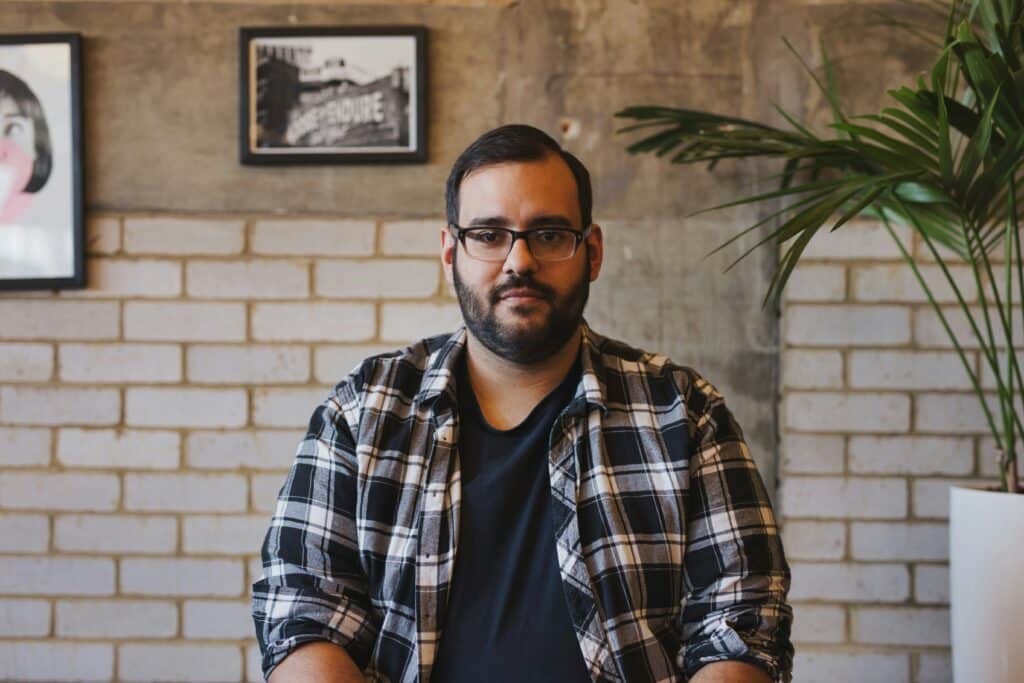
These small details help the AI generate a more accurate and appealing LinkedIn photo.
Step 3: Customize your AI LinkedIn photo
After uploading your image, you can begin customizing your AI LinkedIn photo. Most AI platforms allow you to:
- Adjust the background: Choose neutral or office-like settings that look professional
- Fine-tune facial features: Minor adjustments to lighting, sharpness, and color balance
- Pick attire options: Some AI tools can virtually add formal clothing if needed
The key is to maintain authenticity—your AI photo should still resemble you while enhancing professionalism.
Step 4: Review and refine
Once the AI generates your photo, review it carefully. Look for:
- Natural appearance: Avoid overly edited or artificial looks
- Consistency: Ensure the lighting and style match your professional brand
- Professional impression: Ask yourself if this photo reflects the image you want to present to potential employers
Don’t hesitate to run multiple iterations. AI allows for easy experimentation until you find the perfect LinkedIn-ready headshot.
In a digital world where first impressions matter more than ever, an AI LinkedIn photo can give you a competitive edge. With the right tools and preparation, you can create a polished, professional image that enhances your personal brand and makes your profile stand out. Remember to choose a reliable AI platform, prepare a clear base photo, and fine-tune the output to ensure a natural, professional appearance.