Your LinkedIn profile gets scanned in seconds. Before anyone reads your headline or experience, they see your banner. That single image sets the tone. It can make you look polished and intentional or forgettable and rushed. That’s why Canva LinkedIn banner templates have become such a popular shortcut. They let you create a clean, professional banner without design skills, expensive software, or hours of trial and error.
In this article, we’ll look at why banners matter so much, how Canva helps, and how to choose templates that actually work instead of just looking pretty.
The importance of your LinkedIn banner
Most people leave the default blue banner in place. Recruiters notice that. So do clients, hiring managers, and collaborators. Your banner can quietly answer questions like:
- What do you do?
- What industry are you in?
- Are you active and serious about your career?
A good banner doesn’t need to shout. It just needs to reinforce your personal brand. This is where Canva LinkedIn banner templates are useful. They’re built with the right dimensions, safe zones, and visual balance, so your banner looks correct on desktop and mobile.
What makes Canva a smart choice for LinkedIn banners
Canva is popular for a reason. It removes friction. With Canva, you can:
- Start with templates sized specifically for LinkedIn banners
- Edit text, colors, and images in minutes
- Export high-quality images without compression issues
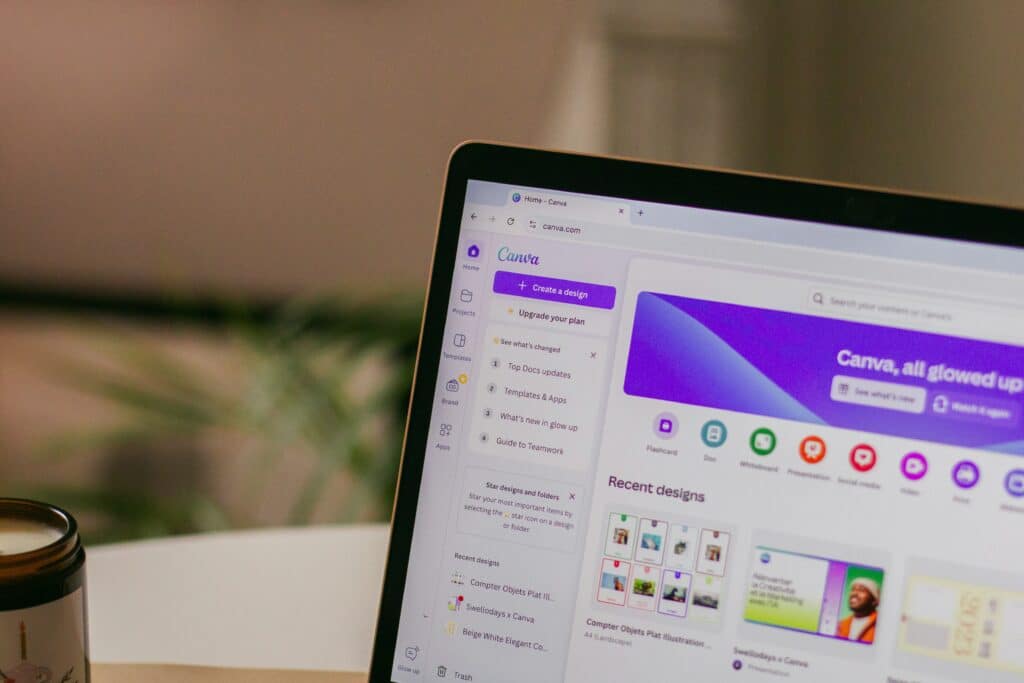
The real advantage of Canva LinkedIn banner templates is speed. Instead of designing from scratch, you’re choosing from layouts that already work. That means fewer mistakes and faster results.
Types of Canva LinkedIn banner templates that actually work
Not all templates are equal. Some look nice but don’t help your profile. Here are the styles that tend to perform best.
Minimal professional templates: These use neutral colors, simple fonts, and lots of space. They’re ideal for corporate roles, consultants, and job seekers who want to look credible and focused.
Personal brand templates: These often include a short tagline, role description, or value statement. For example, “Product designer helping startups scale.” This style works well for freelancers and creators.
Industry-specific templates: Canva has templates designed around tech, marketing, education, and more. Icons, colors, and layouts subtly match expectations in those fields.
Avoid templates that are too busy. If your name or message gets lost, the banner fails its job.
How to customize Canva LinkedIn banner templates the right way
Templates are a starting point, not the finish line. Small tweaks make a big difference. Change the colors to match your profile photo or personal brand. Keep text short. One line is often enough. Make sure important text stays away from the left side where your profile photo overlaps.
If you want a full walkthrough, we already published a step by step tutorial on our site that shows exactly how to customize a LinkedIn banner in Canva, from choosing the template to exporting the final image. It’s worth checking if you want a no-guesswork process.
How often you should update your LinkedIn banner
You don’t need a new banner every month. But you should update it when something changes. Good times to refresh include:
- Starting a new role
- Shifting industries
- Launching a service or side project
- Rebranding your personal image
With Canva LinkedIn banner templates, updating takes minutes, not hours. That makes it easier to keep your profile current.