The LinkedIn Strategy That Gets You Hired Faster
Getting hired starts long before you submit an application Many professionals believe that getting hired is all about having the perfect CV. I disagree. In today’s job market, recruiters and hiring managers rarely make decisions based on a résumé alone. Before they schedule an interview, they usually do one thing first. They search for you […]
The LinkedIn “Open To” Mistake You’re Probably Making
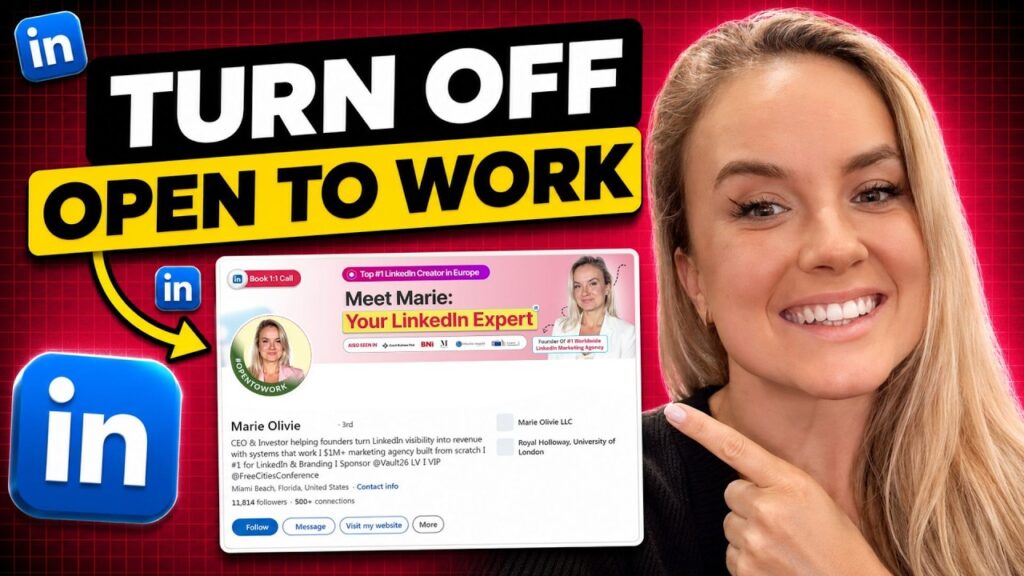
The “Open To” feature sends a message – make sure it’s the right one One of the questions I get asked most often is whether founders and professionals should use LinkedIn’s “Open To” feature. On the surface, it seems like an obvious decision. If you’re looking for new opportunities, why wouldn’t you tell people? The […]
LinkedIn Profile Tips: Adding Certificates for More Authority
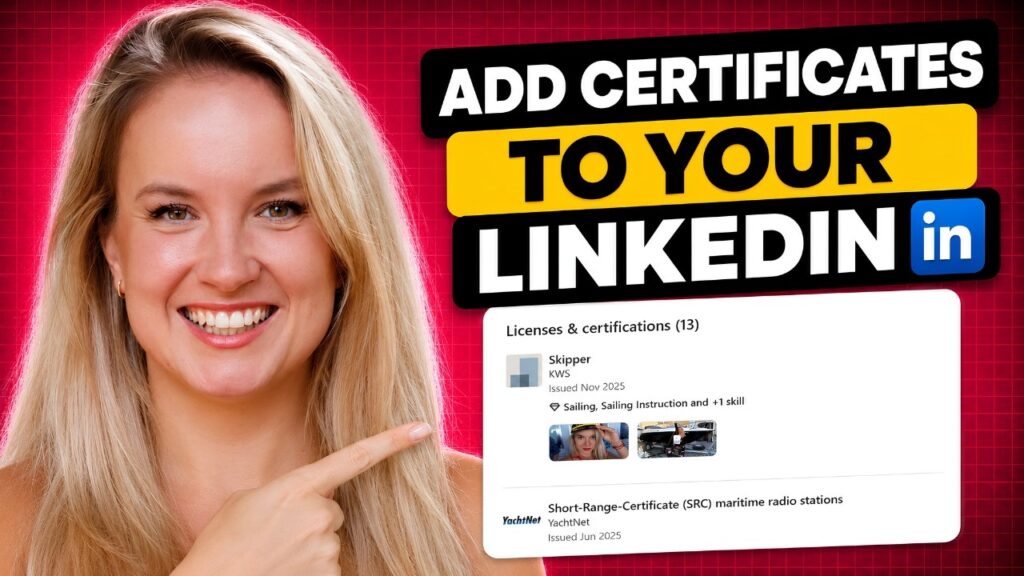
Your certifications won’t build your authority on their own – but they can strengthen it One question I hear surprisingly often is whether adding certifications to a LinkedIn profile actually makes a difference. The short answer is yes – but probably not for the reason most people think. Many professionals see the Licenses & Certifications […]
LinkedIn Profile Photos: The Only Guide You Need
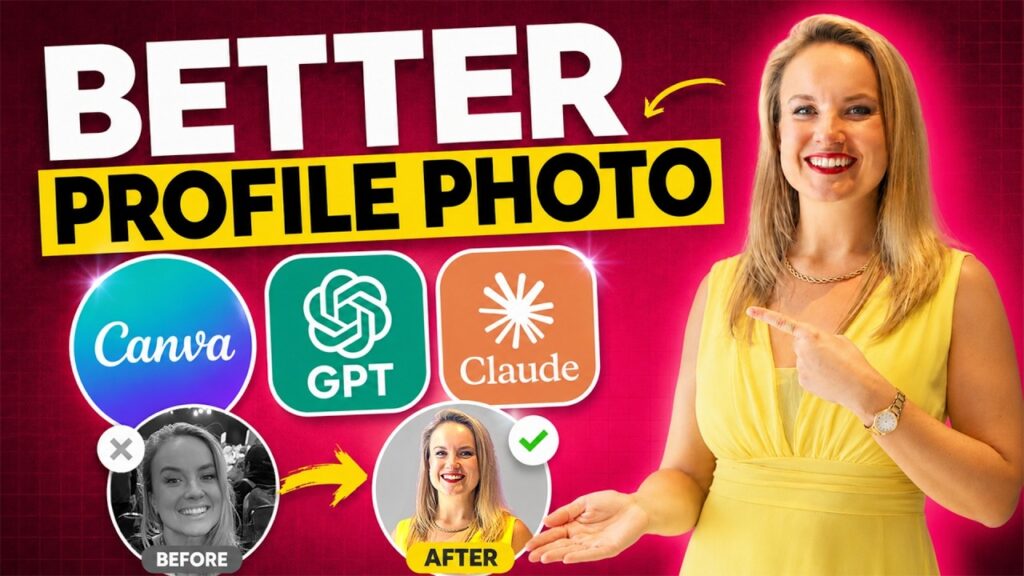
Your profile photo makes a first impression before anyone reads a single word Whenever I review a LinkedIn profile, I always notice the profile photo first. Before I read the headline, the About section, or the experience, my brain has already formed an initial impression. The same thing happens to everyone who visits your profile. […]
3 Signals That Increase Your Credibility on LinkedIn (and Improve Social Selling)
Most founders think they need more content. In my experience, they need more credibility. One of the most common conversations I have with founders starts with the same question: “How can I grow faster on LinkedIn?” Almost immediately, the discussion turns to posting frequency. Should they publish every day? Should they create more videos? Should […]
What It Means That LinkedIn Is Owned by Microsoft (For Your Business)
I think many people still look at LinkedIn like it’s just another social media app. But honestly, LinkedIn is very different from platforms like Instagram, TikTok, or X. And one of the biggest reasons for that is the fact that LinkedIn is owned by Microsoft. Because once you understand that connection, you also start understanding […]
How to Get Clients on LinkedIn Without Paid Ads

One thing people are often surprised by when they hear my story is that I built my entire brand without paid ads. We only really started experimenting with LinkedIn ads recently, around February 2026, and yes, they work very well. Honestly, in some ways even better than Meta ads. But before that, everything was organic. […]
The New LinkedIn Algorithm: How AI Decides Who Sees Your Content

It’s not really a secret anymore that social media platforms are using artificial intelligence, but what’s interesting is how differently each platform applies it. LinkedIn, in particular, has become much more advanced in how it understands content. And I noticed this very clearly during a coaching session with my client Rebecca. She is a Spanish […]
Why Founders Are Treating LinkedIn Like Their Website

I’ve been noticing this pattern a lot lately. Founders are putting so much effort into their LinkedIn that it almost starts to feel like their main website. Everything is there, their offer, their story, their positioning, their experience. And honestly, it makes sense. Because LinkedIn does work like a sales page. But here is where […]
The 3 Signals That Instantly Increase Your Credibility On LinkedIn
A lot of founders and CEOs look at follower count as the main signal of authority on LinkedIn. But in reality, numbers alone do not create trust. What matters more is how your presence is perceived by others. You can have 20,000 followers, but if your posts receive almost no engagement, the perception changes. It […]