How to write the best summary for LinkedIn – with examples
Crafting the perfect LinkedIn summary can feel intimidating — but it doesn’t have to be. Your summary is your personal elevator pitch, your digital handshake, and your chance to stand out in one of the most competitive professional networks in the world. Whether you’re a job seeker, entrepreneur, or industry expert, a strong summary can transform how others perceive you online.
Longevity leadership: How to build a brand on LinkedIn that outlasts you

What does it take to build a brand that continues to grow even when you step away? Can a LinkedIn presence truly become timeless? In a digital space where trends change fast, the key to lasting impact lies in a longevity mindset and a sustainable personal brand strategy.
How tech-enabled branding on LinkedIn boosts company valuation
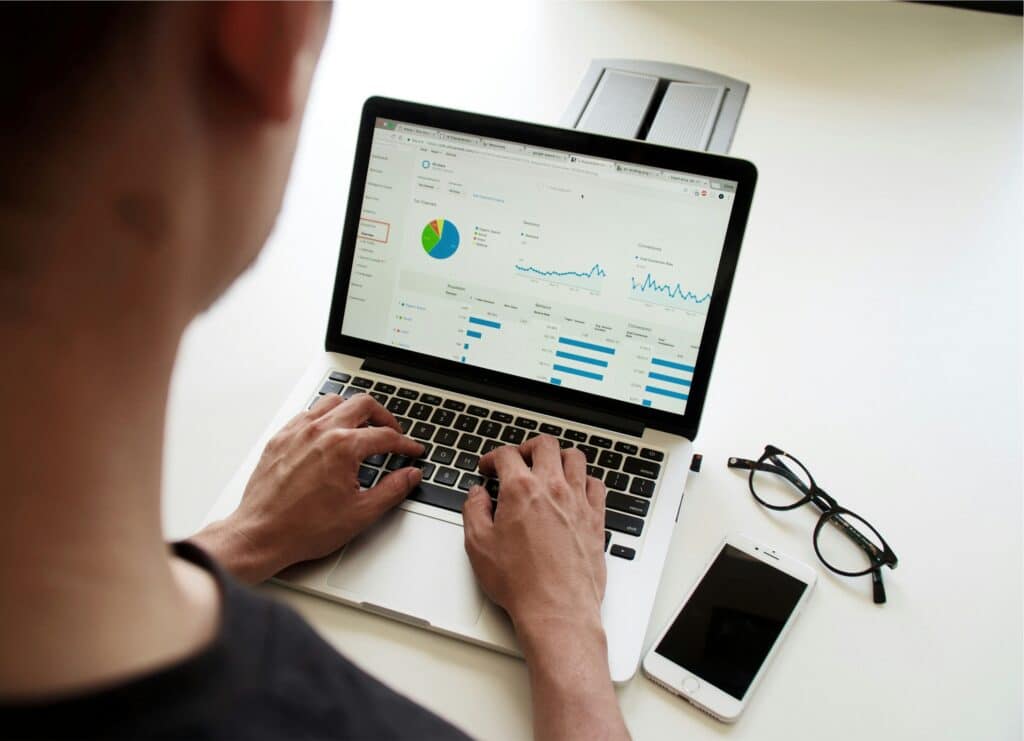
Can technology and branding really increase your company’s market value? What happens when digital transformation meets brand strategy on LinkedIn? This article explores how tech-enabled branding not only enhances visibility but also drives measurable financial results.
What is the best size for a LinkedIn post?

LinkedIn has become one of the most powerful platforms for professionals, brands, and businesses. But here’s something most people overlook: even the best content can fail if your post is formatted incorrectly. That’s why understanding the ideal LinkedIn post size and LinkedIn post image size is crucial if you want your posts to look clean, professional, and visually appealing.
Best AI tools for effective LinkedIn profile that actually boost your presence

Creating a strong LinkedIn presence is no longer just about filling in your work history or adding a professional photo. In today’s competitive landscape, leveraging AI tools can give you the edge to stand out, craft posts that resonate, and grow your network faster. In this article, we’ll explore the best AI tools for effective LinkedIn profile management, content creation, and engagement strategies.
What is LinkedIn private mode and how to use it? The hidden feature every professional should know

LinkedIn is one of the most powerful platforms for networking, job hunting, and building your professional brand. But not everything you do on the platform needs to be visible to others. Whether you’re researching competitors, checking out potential employers, or simply browsing profiles without leaving a trace, LinkedIn private mode can be a useful tool.
In this article, you’ll learn what linkedin private mode really is, how it works, when you should use it, and how to make LinkedIn private step by step. We’ll also explore the pros, cons, and common mistakes users make when switching on this feature.
Why every founder needs a LinkedIn personal brand, not just a social media manager

Are you a founder relying only on your marketing team to build your company’s presence online? Do you think your personal LinkedIn profile doesn’t really matter as long as your business page is active? If so, you might be missing one of the biggest growth opportunities available today.
Data-driven branding: Using LinkedIn analytics to build authority

How do you know if your brand is really growing on LinkedIn? What if your visibility metrics could reveal exactly what works and what doesn’t? In the digital age, relying on data instead of intuition is no longer optional — it’s essential. Here’s how you can use LinkedIn analytics to measure, refine, and strengthen your brand authority step by step.
How to remove open to work on LinkedIn if you no longer want to be contacted

If you’ve landed here, you’re probably wondering how to remove open to work on LinkedIn without messing up your profile or triggering unwanted attention. Whether you’ve already found a new job, want to appear more discreet during your job search, or simply prefer a cleaner profile, removing the Open to Work LinkedIn banner is quick and painless—as long as you know where to click.
This guide breaks down everything step-by-step, including hidden settings, common mistakes, and what happens after you turn the feature off.
What does 3rd mean on LinkedIn? The surprising truth behind your connection labels

If you’ve ever browsed LinkedIn profiles and noticed the small labels “1st,” “2nd,” or “3rd” next to people’s names, you might have wondered what they truly mean—and why they matter. These tiny indicators hold a surprisingly important role in how your professional network operates, how far your visibility reaches, and what opportunities might be just one click away. This article breaks down what each label represents, why LinkedIn uses this system, and how you can strategically use your connection levels to unlock better networking outcomes.