This simple LinkedIn headline trick makes recruiters stop scrolling

If you have ever stared at your LinkedIn profile wondering why no one is reaching out, your headline is probably the reason. It is the first thing people see after your name. Before your experience. Before your skills. And often, before they decide whether you are worth clicking on. So what is an example of good LinkedIn headline that actually works? Let’s break it down in plain terms and look at what separates a strong headline from one that gets ignored.
This LinkedIn feature shows every post you’ve scheduled (most people miss it)

If you use LinkedIn regularly, you already know consistency matters. Posting once in a while rarely gets results. That’s why many creators, marketers, and page admins schedule posts in advance. It saves time and keeps your page active even on busy days. But here’s the problem. After scheduling posts, a lot of people get stuck trying to find them again. You might ask yourself: Did it actually schedule? Can I still edit it? Where did LinkedIn even put it?
You won’t believe how easy it is to change your LinkedIn font
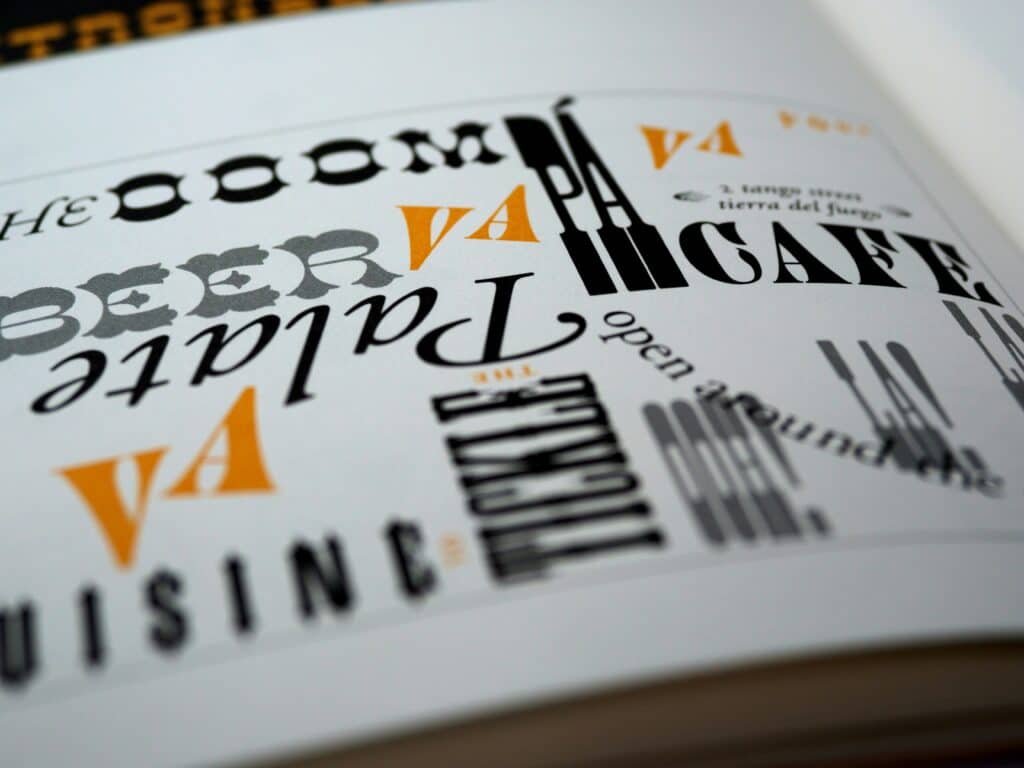
If you’ve ever wondered how some LinkedIn profiles look so polished and eye-catching, one secret might surprise you: the way text appears. LinkedIn doesn’t officially allow you to bold, italicize, or underline text in posts or profile sections. But thanks to clever tools and a little trickery, you can make your text stand out. Here’s a complete guide on how to change LinkedIn font and give your profile a fresh look.
Everyone is posting their CV on LinkedIn in 2025, but most people do it wrong
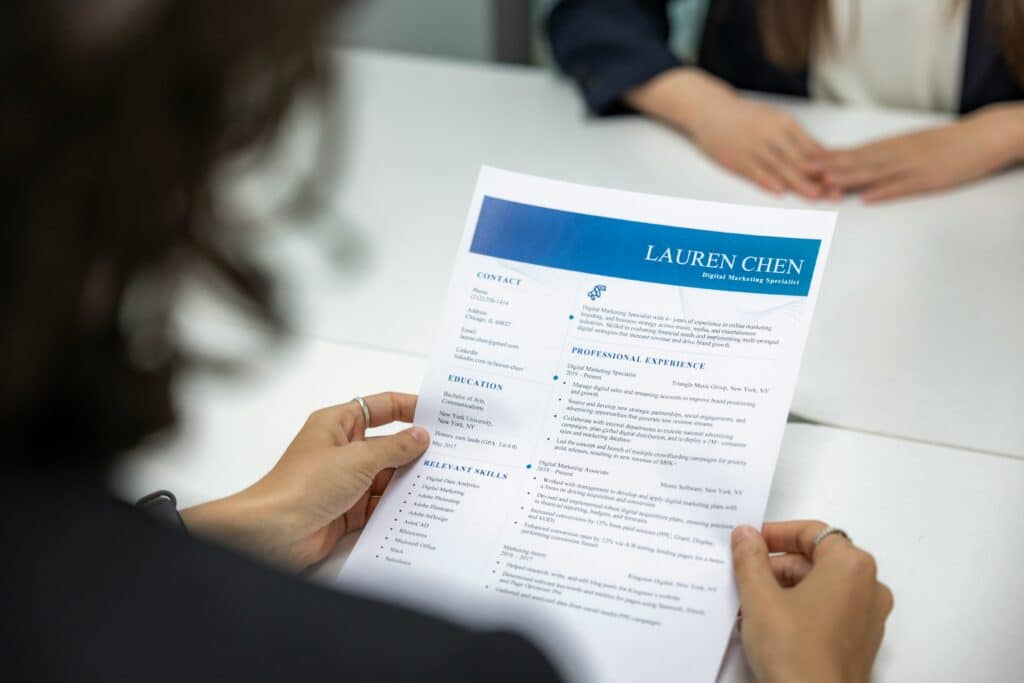
If you are job hunting this year, chances are you have already wondered how to post cv in LinkedIn and whether it is even a good idea. LinkedIn has become more than just an online resume. It is a search engine for recruiters, a networking space, and often the first place employers look before deciding who to contact.
You won’t believe how easy it is to turn LinkedIn into dark mode

If you spend a lot of time on LinkedIn, staring at a bright white screen can strain your eyes, especially during late-night browsing. The good news is that LinkedIn now offers a dark mode, giving your eyes a break and making your feed look sleek and modern. Here’s a simple guide on how to turn LinkedIn into dark mode on both desktop and mobile devices.
This simple LinkedIn trick helps you find recruiters faster than applying to a 100 jobs

If you are applying to jobs online and hearing nothing back, you are not alone. Many candidates spend hours sending applications that disappear into a black hole. The truth is, most roles are filled through people, not portals. That is why learning how to find recruiters on LinkedIn can completely change your job search. LinkedIn is not just a place to post your resume and wait. It is a powerful search engine filled with recruiters actively looking for talent. The challenge is knowing where to look and how to approach them the right way.
The best LinkedIn bio examples that actually get noticed

Your LinkedIn bio is more than just a summary—it’s your digital handshake. It’s the first thing recruiters, potential clients, or collaborators see, and a strong bio can make all the difference. But writing one that stands out can feel tricky. To help, we’ve gathered insights and the best LinkedIn bio examples that can inspire your own profile.
How to remove a LinkedIn contact without drama and finally clean your network

Managing your professional network sounds simple, but anyone who uses LinkedIn regularly knows it can get messy fast. Over time, you connect with people from past jobs, events, quick introductions, or moments that no longer make sense today. That’s when a quiet but common question shows up: how do I delete a LinkedIn contact without making things awkward?
This simple LinkedIn setting could save your account, here’s how to change your primary email

If you’ve ever lost access to an old email address, you already know how stressful it can be. Now imagine that email is tied to your LinkedIn account. Suddenly, you can’t reset your password, confirm security alerts, or receive important messages from recruiters. That’s why knowing how to change primary email on LinkedIn is more important than most people realize
This simple Linkedin summary generator is changing how people get hired

Your LinkedIn profile has about three seconds to make someone care. Three seconds before a recruiter scrolls past. Three seconds before a potential client clicks on someone else. And in most cases, the summary is where that decision happens. That’s why more professionals are quietly using a Linkedin summary generator to rewrite one of the hardest sections of their profile. Not because they can’t write, but because writing about yourself is harder than it looks.