If you’ve ever wondered how some LinkedIn profiles look so polished and eye-catching, one secret might surprise you: the way text appears. LinkedIn doesn’t officially allow you to bold, italicize, or underline text in posts or profile sections. But thanks to clever tools and a little trickery, you can make your text stand out. Here’s a complete guide on how to change LinkedIn font and give your profile a fresh look.
Why LinkedIn doesn’t offer text formatting
LinkedIn’s platform is designed for consistency and readability. That’s why the letters and numbers on your keyboard are the only ones you can usually use. Unlike word processors or social media apps, LinkedIn doesn’t have native formatting options. This might seem limiting, but it also ensures that profiles remain clean and professional. Still, that doesn’t mean it’s impossible to play with fonts.
Using Unicode to trick LinkedIn
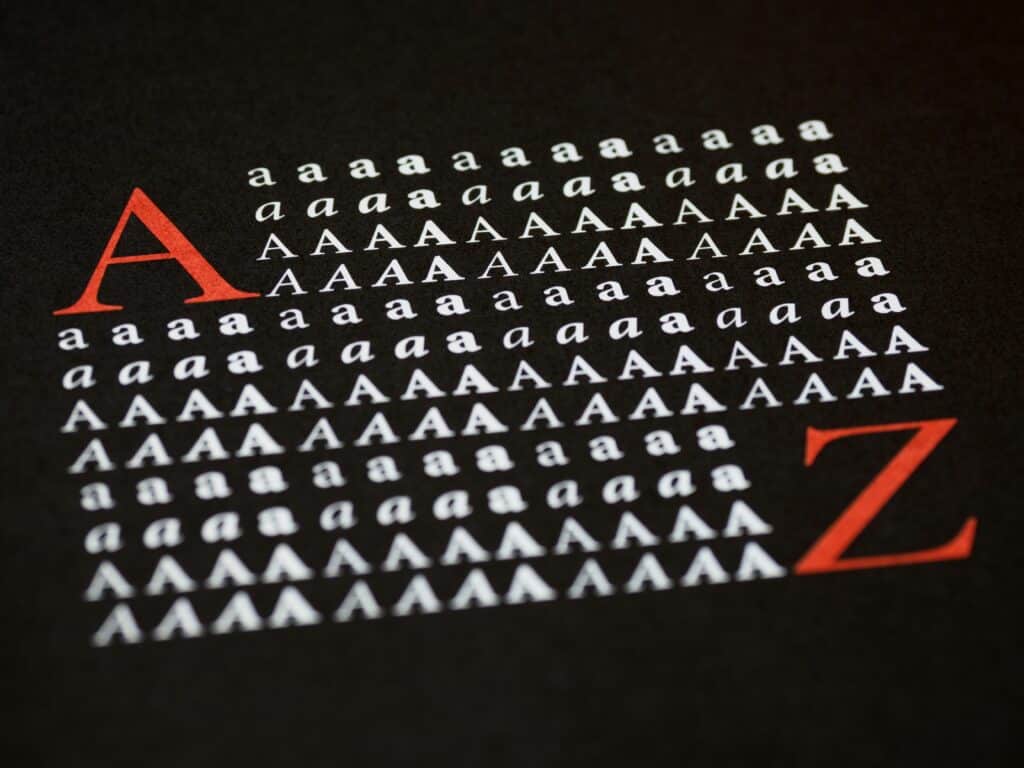
The key to changing your LinkedIn font lies in Unicode symbols. These are special characters that mimic bold, italics, underlined text, or even fancy scripts. When you use them, viewers will see what looks like formatted text, even though LinkedIn itself hasn’t changed anything. Essentially, you’re tricking the system to display text in a more eye-catching way. However, there are some things to keep in mind before you start:
- Not searchable: Text transformed using a LinkedIn font tool won’t show up in LinkedIn’s search. Use it only for headings or short snippets that are meant to grab attention. Avoid formatting areas that need to be searchable, like job titles or skills.
- May not display everywhere: Because Unicode relies on device support, some users might see little boxes instead of your fancy text. The more up-to-date the device, the better the display.
- Not screen-reader friendly: If someone uses a screen-reader, it won’t interpret the text correctly. The reader will announce each Unicode character individually, which can be confusing.
These limitations mean you should use formatted text sparingly. It’s great for emphasis or making headings pop, but it’s not a solution for every part of your profile.
Step-by-step guide to formatting your LinkedIn text
Changing your LinkedIn font is simpler than it sounds. Here’s how you can do it in a few easy steps:
- Backup your text: Copy the section of your LinkedIn profile you plan to edit into a word processor. This ensures you don’t lose anything if something goes wrong.
- Format your text: Use an online LinkedIn text formatter to type the text you want. You’ll see it transform in real-time into bold, italics, underlined, or script fonts.
- Copy your new text: Highlight the formatted version you like and copy it. Use Ctrl+C for Windows or Cmd+C for Mac.
- Paste on LinkedIn: Go to your profile or create a new post, then paste the text using Ctrl+V or Cmd+V.
- Double-check: If you’re near LinkedIn’s character limits, pasting Unicode text might slightly affect the count. Make sure your original text is saved somewhere.
- Done! Your LinkedIn font now looks distinct and professional.
With just a few clicks, you can give your profile headings or posts a touch of style that draws the reader’s eye.
Why changing your LinkedIn font matters
A well-formatted LinkedIn profile isn’t just about aesthetics. It’s about how you present your personal brand. The right font style can make key points stand out and communicate professionalism and attention to detail. Recruiters, clients, and collaborators often skim profiles quickly. Bold or italicized headings catch their eye and encourage them to read further.
Changing your LinkedIn font also signals creativity. In competitive industries, small touches like this can help your profile leave a lasting impression. When done correctly, it elevates your story and makes your accomplishments pop without overwhelming the reader.