If you’ve been scrolling through LinkedIn and noticed posts that stand out more than others, there’s a hidden trick many people overlook: emojis. While often associated with casual texting, emojis for LinkedIn can actually enhance your professional presence—if used strategically. Let’s explore how you can harness their power to make your posts more engaging, readable, and memorable.
Why emojis aren’t just for casual chat
Many professionals hesitate to use emojis on LinkedIn, thinking they might appear unprofessional. The reality is different. Emojis, when used correctly, can:
- Grab attention: A well-placed emoji can make your post pop in a busy feed.
- Enhance clarity: Visual symbols can summarize ideas faster than words.
- Show personality: They help humanize your profile, making you relatable.
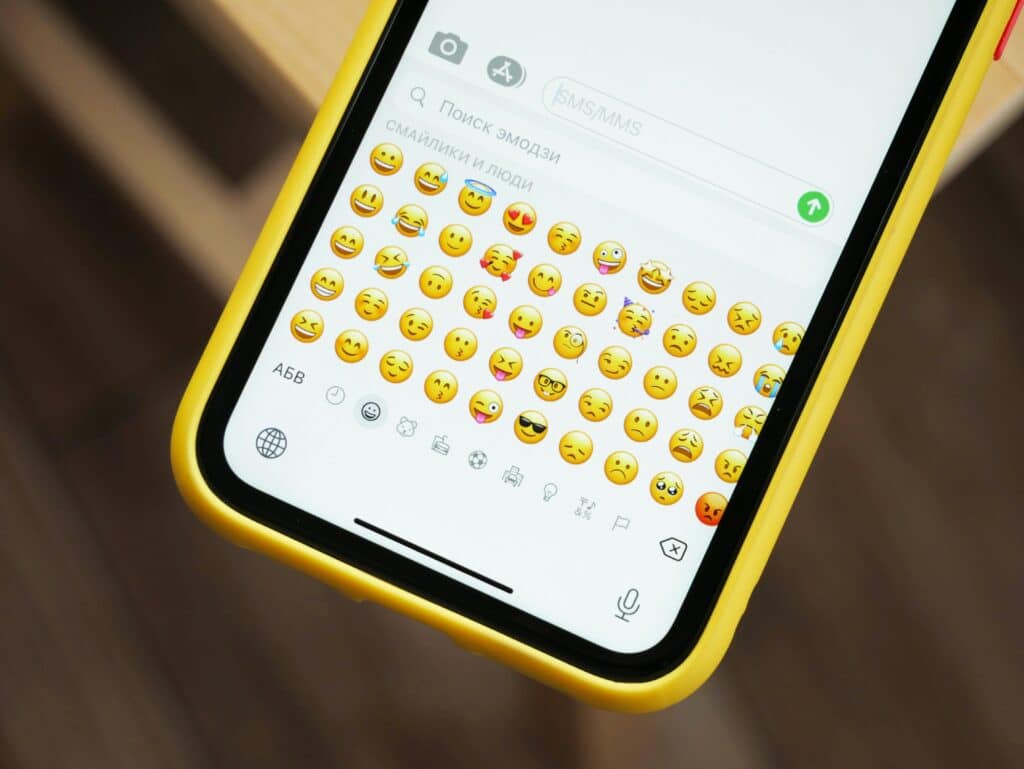
Think of emojis as visual cues that guide your audience. They’re not replacements for words but tools to complement your message.
How to choose the right emojis for LinkedIn
Not all emojis are suitable for LinkedIn. While a winking face might work in a casual chat, it could confuse your professional network. Focus on emojis that:
- Represent ideas clearly: For example, a light bulb for innovation or a chart for results.
- Match your industry tone: Finance, law, or corporate roles may require subtler symbols, while creative sectors allow more playful options.
- Stay consistent: Pick a set of emojis and use them regularly to build a recognizable style.
Using too many emojis can backfire. Aim for one to three per post, emphasizing key points without overwhelming your reader.
Where to place emojis in your LinkedIn posts
Placement is crucial. Here are some effective strategies:
- At the beginning: Start your post with an emoji to catch the eye while scrolling.
- Before key points: Use emojis to highlight bullet points or sections for better readability.
- In the middle of sentences sparingly: A single emoji can emphasize an idea without breaking the professional tone.
Avoid overloading paragraphs with emojis. A clean post with strategic symbols often performs better than one cluttered with visuals.
Using emojis in comments and messaging
Emojis aren’t just for posts. They can improve interactions across LinkedIn:
- Comments: A thumbs-up or clapping hands emoji can convey support or agreement quickly.
- Messages: A subtle emoji can make your outreach feel more personal and less robotic.
Remember, the goal is to make communication friendlier while maintaining professionalism.
Testing and analyzing your emoji strategy
Like any tool, success comes from experimentation. Track how your audience responds to posts with emojis versus those without. Consider:
- Engagement rates: Do posts with emojis get more likes, comments, or shares?
- Audience feedback: Are readers reacting positively, or does it feel out of place?
- Consistency: Identify which emojis align with your brand and stick to them.
Over time, you’ll discover the perfect balance that enhances your posts without undermining your credibility.
Tips for keeping your emoji use professional
To make sure you don’t cross the line:
- Avoid controversial symbols: Steer clear of emojis that could be misinterpreted.
- Don’t replace words entirely: Use emojis to enhance text, not as a full substitute.
- Keep it relevant: Only include symbols that support your message.
When done right, emojis for LinkedIn can help your posts stand out in a crowded feed and make your professional presence feel more human and approachable. Emojis are no longer just a fun addition to casual conversations—they’re a smart tool for LinkedIn. When chosen carefully, placed thoughtfully, and used sparingly, they can improve engagement, readability, and personality in your posts. Experiment with small tweaks, track the results, and soon you’ll see how a few well-placed emojis can transform your LinkedIn presence.