The ultimate guide to LinkedIn header and cover photo size: Everything you need to know
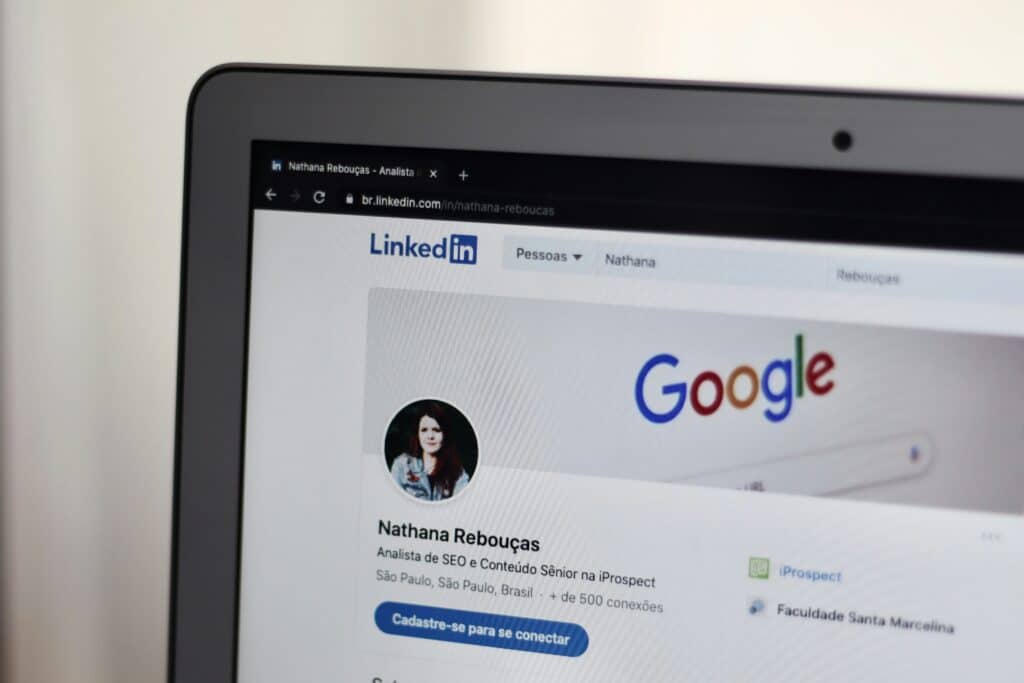
LinkedIn has become the go-to platform for personal branding, networking, and career building. Whether you’re a freelancer, job seeker, entrepreneur, or company representative, your LinkedIn header plays a major role in creating a strong first impression. Yet many users still upload blurry, incorrectly scaled, or poorly designed banners simply because they’re unsure about the right linkedin cover photo size.
This guide explains exactly what dimensions LinkedIn requires, how to design a high-quality banner, and what tools (like canva linkedin banner templates) can help you get it right.
What is LinkedIn post inspector and how to use it?

Have you ever shared a link on LinkedIn only to discover the preview looks completely wrong—missing image, outdated title, or a description you last used months ago? Poor link previews on LinkedIn can cut your comment rate in half, and in 2025 this matters more than ever. That’s exactly why the LinkedIn post inspector exists. This free tool helps you fix link preview issues before they hurt your engagement.
Can you view someone else’s LinkedIn profile anonymously? Here’s what you need to know

LinkedIn has become the go-to platform for networking, hiring, and researching potential business connections. But one question keeps coming up again and again: Can you view someone else’s LinkedIn profile anonymously? Many users want to browse discreetly—whether to research competitors, check out job applicants, or simply satisfy their curiosity without alerting the other person. If you’ve ever wondered how private LinkedIn viewing actually works, this article breaks down everything you need to know.
Linkedin email finder – Best tools to find emails on LinkedIn

LinkedIn is a goldmine for professionals looking to connect with decision-makers, build meaningful business relationships, and generate high-quality leads. Yet despite offering powerful networking capabilities, LinkedIn doesn’t make it easy to access email addresses directly. For salespeople, recruiters, and marketers, this missing piece often slows down outreach efforts and limits conversion potential.
Why 6-figure businesses struggle without a visible founder brand on LinkedIn

Are you running a 6-figure business but still feel invisible online? Do your competitors seem to grow faster, even with similar offers? The truth might not lie in your product — but in your personal brand. Let’s dive into why founder visibility on LinkedIn is no longer optional and how scaling your personal brand can unlock exponential growth.
How to write LinkedIn articles that people actually read

Writing LinkedIn articles can transform your professional visibility—if you know how to do it right. Many users publish content on LinkedIn, but only a fraction create articles that attract attention, generate engagement, and position them as thought leaders. In this guide, you’ll learn how to write LinkedIn articles that stand out in a noisy feed, build trust, and keep readers coming back for more.
The easiest way to share your profile: How to get a LinkedIn QR code in seconds
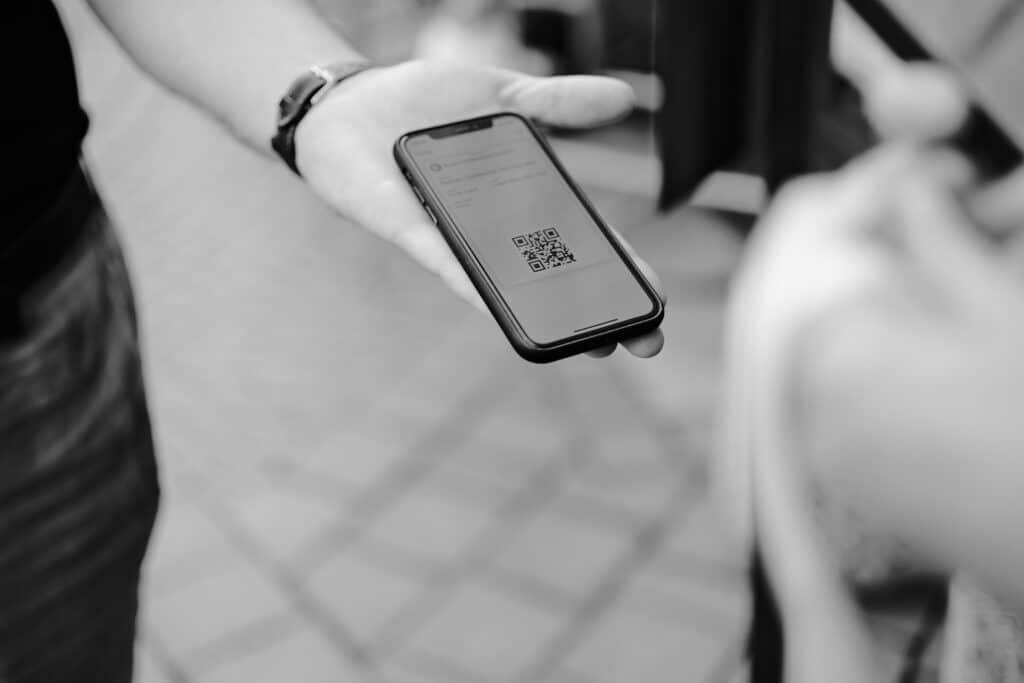
In a world where first impressions happen both online and offline, having your LinkedIn profile ready to share instantly is a game-changer. Whether you’re at a conference, job fair, business meeting, or casual networking event, the LinkedIn QR code makes connecting fast, effortless, and error-free. No more typing names manually or searching through dozens of profiles — one quick scan and you’re connected.
The future of LinkedIn personal brand: What works in 2025
Still treating LinkedIn like a digital résumé? You’re missing the point. In 2025, your personal brand is your currency. The rules have changed and so has what people notice. Do you know what really gets you seen, trusted, and followed?
From hidden expert to recognized leader: Building your digital reputation on LinkedIn in 2025

You’re great at what you do. But does anyone beyond your inner circle know it? In 2025, being invisible online is a business risk. LinkedIn can turn you from an unknown expert into a recognized thought leader. Well… if you use it right. Ready to make your reputation work for you?
The CEO as the brand: How your LinkedIn presence drives company growth

As a CEO, your LinkedIn profile can be your company’s biggest growth engine… or its weakest link. Are you building trust, authority, and visibility where it matters most? Your personal brand can shape the future of your business. Let’s talk about it.